

Browser reports in CentralCSP
Where each browser report type lands, which ones to act on first, and how to cut the noise a newly connected site produces.
Last update:
This section has one page per report type, plus a raw Explorer for everything the browser sent. Reports are kept for 90 days.
Every report type appears under Reports in the website sidebar:
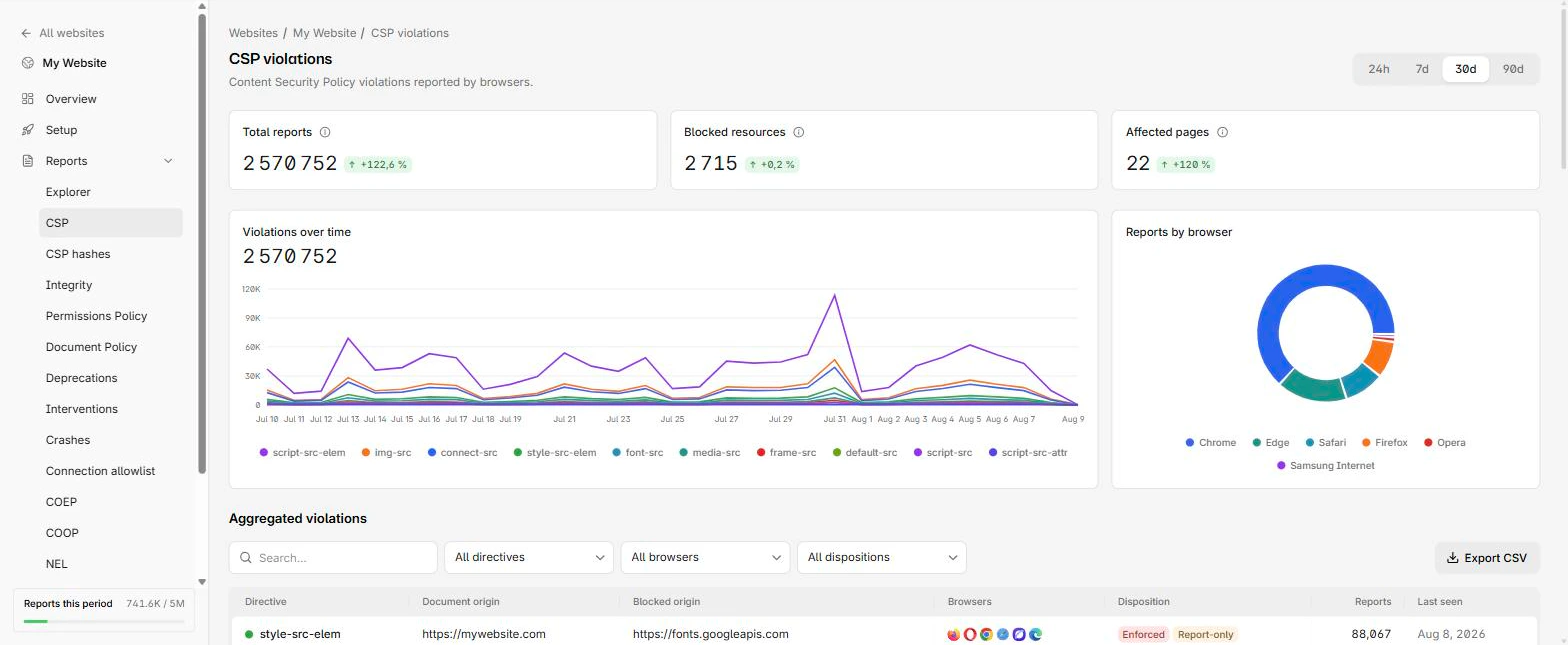
Which page answers what
Each report page answers a different question:
| Page | Use it to |
|---|---|
| CSP violations | Build a policy that matches what your pages load |
| CSP hashes | Find what runs on your pages and whether it changed |
| Integrity violations | Find scripts loading without verification |
| Permissions Policy | Size a features policy before enforcing it |
| Document Policy | Find legacy APIs your documents still use |
| Deprecations | Fix what a future browser release will break |
| Interventions | Check your code handles what the browser overrode |
| Crashes | Find pages that crash the browser tab |
| Connection allowlist | Control where your pages connect out to |
| COEP | Clear the list blocking cross-origin isolation |
| COOP | Check popup logins survive an opener policy |
| Network errors | See failures your server logs cannot contain |
A page for a policy you have not deployed is simply empty. Which pages exist at all depends on the report types your plan includes.
Where to start on a new site
On a new site, work the pages in this order:
- CSP violations, one directive at a time. Noisiest page, most useful.
- Deprecations. Small, and every entry is code you will have to change anyway.
- Network errors, if you serve a large audience.
Leave the rest until you deploy the matching policy.
Cut the noise before reading it
A first batch on a site with no prior CSP looks alarming and mostly is not. The generated policy allows nothing beyond your own origin, so every font, image, and third-party script reports. That list is inventory, not incidents.
Two things do deserve immediate attention: violations you cannot explain from your own code, and anything on a payment page.
Browser extensions are the largest source of unfixable noise, because the injected code is not yours. Drop them under Settings > Ingestion rather than working around them on every page. For more information, refer to Ingestion filters.